Full disclosure: Rewritly is our product. Details about Windows, Grammarly and Apple come from their own pages, listed at the end of this post.
What people want from "Writing Tools for Windows"
On a Mac, you select text in almost any app and choose Proofread, Rewrite, Friendly, Professional, Concise, Summary or Key Points. Apple Writing Tools only runs on Apple devices, so there is no Windows version. If you use a Mac at home and a Windows PC at work, you lose that the moment you switch.
What you need on Windows is the same idea: select text in any app, pick a fix, and get the new text back in place.
4 options compared
| Option | Which PCs | What it does | Cost |
|---|---|---|---|
| Click to Do | Copilot+ PCs with Windows 11 | Rewrite (Casual, Formal, Refine), Summarize, bulleted list | Built in |
| Rewritly | Windows 10 and 11 (64-bit), and Mac | Fix grammar, Improve, Shorter, Longer, Formal, Friendly, or any request, in almost any app | 10 free rewrites a day; Pro $7 a month |
| Grammarly for Windows | Windows 10 and 11, and Mac | Suggestions as you type; AI rewrites | Free plan with 100 AI prompts a month |
| Copilot app | Any Windows PC | Rewrites text you paste into a chat | Free tier |
1. Click to Do: built in, but only on Copilot+ PCs
Click to Do is the closest thing Windows has to Writing Tools. Press Windows key + Q, or hold the Windows key and click, then select text on your screen. Microsoft lists these text actions:
- Rewrite (Refine): grammar improvements, like Proofread
- Rewrite (Formal) and Rewrite (Casual): a change of tone, like Professional and Friendly
- Summarize and Create a bulleted list: like Summary and Key Points
The limits are strict. Microsoft says you need a Copilot+ PC with a 40 TOPS NPU and 16 GB of RAM, English as your default language, a Microsoft account, and at least 10 selected words. Most Windows laptops and desktops aren't Copilot+ PCs, and Windows 10 doesn't have Click to Do. The text actions run on your device with Microsoft's Phi Silica model.
2. Rewritly: Writing Tools for any Windows PC
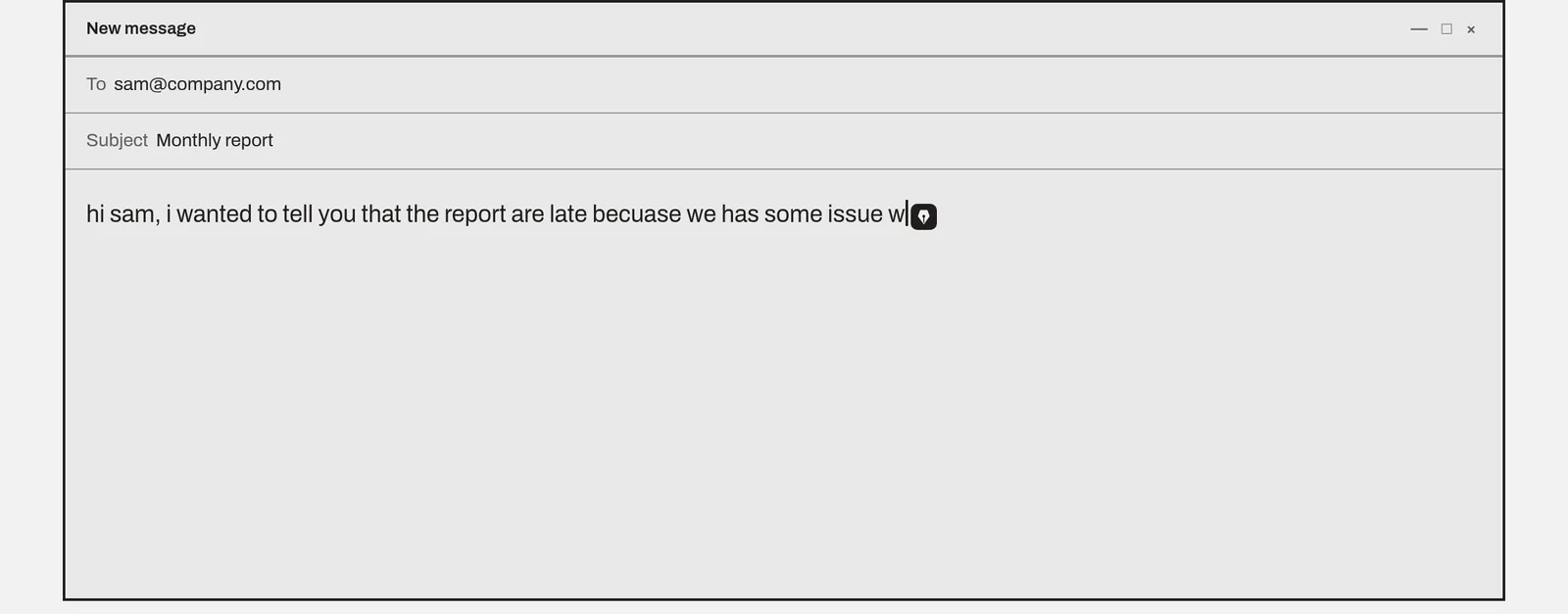
Rewritly works on any 64-bit Windows 10 or 11 PC, in Outlook, Teams, Word, WhatsApp, Slack, Chrome and almost any other app. It's about 5 MB and runs in the system tray.
- Type in any app.
- Click the icon next to your cursor, or press Ctrl + Shift + Space.
- Pick Fix grammar, Improve, Shorter, Longer, Formal or Friendly, or type a request such as "summarize as 3 bullet points" or "translate to Spanish".
- Press Replace, and the new text goes back where you were writing.
For the quickest version, select text and press a key combination. Rewritly does the fix right there, without opening anything:
| On a Mac (Writing Tools) | On Windows (Rewritly) | Keys |
|---|---|---|
| Proofread | Fix grammar | Win + Shift + G |
| Rewrite | Improve | Win + Shift + I |
| Professional | Formal | Win + Shift + F |
| Friendly | Friendly | Win + Shift + Y |
| Concise | Shorter | Win + Shift + H |
| Summary, Key Points | Type "summarize" or "make bullet points" | Ctrl + Shift + Space |
Press Ctrl + Z to undo. You can change any of these keys, and make your own one-tap shortcuts, in Settings. Rewritly needs an internet connection, and it hides itself in code editors, terminals and password managers. It also runs on Mac, so you get the same buttons on both computers with one account.
3. Grammarly for Windows: suggestions as you type
Grammarly's desktop app works across apps and websites on Windows. It underlines mistakes while you type, which Writing Tools doesn't do. The free plan includes 100 AI prompts a month. Full-sentence rewrites and tone changes are listed under Pro. See Rewritly vs Grammarly.
4. The Copilot app: free, but copy and paste
The Copilot app is on most Windows PCs. Paste your text, ask it to "fix the grammar" or "make this more professional", then copy the answer back. It works, but it's the copy-and-paste step that Writing Tools removes, so it's slow for short messages.
Which one should you choose?
- You have a Copilot+ PC and write in English: try Click to Do first, since it's built in.
- You want select, fix and replace in any app, on any Windows PC: Rewritly.
- You want mistakes underlined while you type: Grammarly for Windows.
- You only rewrite something now and then: the Copilot app.
If you're on a Mac and Writing Tools has gone missing, see Apple Writing Tools not showing.
Try Rewritly on Windows
The free plan gives you 10 rewrites a day, and no card is needed.
Free plan, no card needed · macOS 11+ · Windows 10/11 · On a phone? Email yourself the link
Sources (checked 18 Nov 2026): Microsoft Support: Click to Do · Grammarly for Windows user guide. Grammarly plans, checked 30 Oct 2026.
FAQ
Is Apple Writing Tools available on Windows?
No. Apple Writing Tools is part of Apple Intelligence and only runs on supported Apple devices. On Windows, use Click to Do on a Copilot+ PC, or a desktop app such as Rewritly or Grammarly for Windows.
Does Windows 11 have Writing Tools?
Windows 11 has Click to Do on Copilot+ PCs. Select at least 10 words of English text and it offers Rewrite (Casual), Rewrite (Formal), Rewrite (Refine), Summarize and Create a bulleted list. Other PCs don't get these actions.
How do I open Click to Do?
Press the Windows key + Q, or hold the Windows key and click. Microsoft says the text actions need a Copilot+ PC, English as the default language, at least 10 selected words, and a Microsoft account.
What is the best Writing Tools alternative for Windows 10?
Click to Do isn't available on Windows 10, so use a desktop app. Rewritly runs on 64-bit Windows 10 and 11 with 10 free rewrites a day, and Grammarly for Windows has a free plan with 100 AI prompts a month.
Can I use the same tool on my Mac and my Windows PC?
Yes. Rewritly works the same way on Mac and Windows with one account, and Grammarly also has apps for both.