Full disclosure: Rewritly is our product. The Slack steps come from Slack's help center, checked on November 15, 2026. Menus can differ between Slack and operating system versions.
1. Make sure spell check is on in Slack
Slack says spell check is on by default, but it's a single tick box, so check it first:
- Click your profile picture in the sidebar.
- Select Preferences, then Language & region.
- Tick Enable spellcheck on your messages.
Then quit Slack completely and open it again.
2. On Windows: add your spellcheck languages
Slack checks the languages you've set up. In Preferences, then Language & region, type the names of the languages you write in into the field below Spellcheck. If you write in a language that isn't on the list, Slack may underline correct words or miss real mistakes.
3. On a Mac: check the macOS spelling settings
Slack's help center says that from version 4.5.0, the Slack desktop app uses the macOS spellchecker. That means the language setting lives on your Mac, not in Slack:
- Open System Settings, then Keyboard.
- Under Text Input, click Edit.
- Find Spelling. Automatic by Language checks any supported language you type in. If you've picked specific languages, Slack only checks those, so choose Set Up at the bottom of the list and tick the languages you write in.
On older versions of macOS, the same setting is in System Preferences, then Keyboard, then the Text tab.
4. No suggestions when you right-click
To fix an underlined word, right-click it (or Control-click on a Mac) and pick a suggestion. If the word is underlined but no suggestions appear, Slack usually isn't set up for that language, so go back to fix 2 or 3. If nothing is underlined at all, go back to fix 1.
5. Update Slack, or test it in your browser
- Update and restart: install the latest version of the Slack desktop app, then quit and reopen it.
- Test in a browser: open your workspace in Chrome, Safari or Edge and type a clear mistake, such as "recieve". If it's underlined there, the problem is the desktop app. In the browser, spell check comes from the browser itself: in Chrome, open Settings, then Languages, and turn on Spell check.
6. On your phone: check your keyboard
On iPhone and Android, spell check and autocorrect in Slack come from your phone's keyboard:
- iPhone: in Settings, go to General, then Keyboard, and turn on Auto-Correction and Check Spelling.
- Android with Gboard: open Gboard's settings, then Text correction, and turn on Auto-correction and Spell check. Other keyboards have similar settings.
Does Slack have autocorrect?
Not on a computer, as far as Slack's help center goes. It describes spell check that underlines misspelled words in red, and you pick the fix yourself. Your options:
- On a phone: use your keyboard's autocorrect, as in fix 6.
- On Mac or Windows: fix underlined words by right-clicking them, or use a writing assistant that fixes the whole message for you.
Spell check won't fix grammar
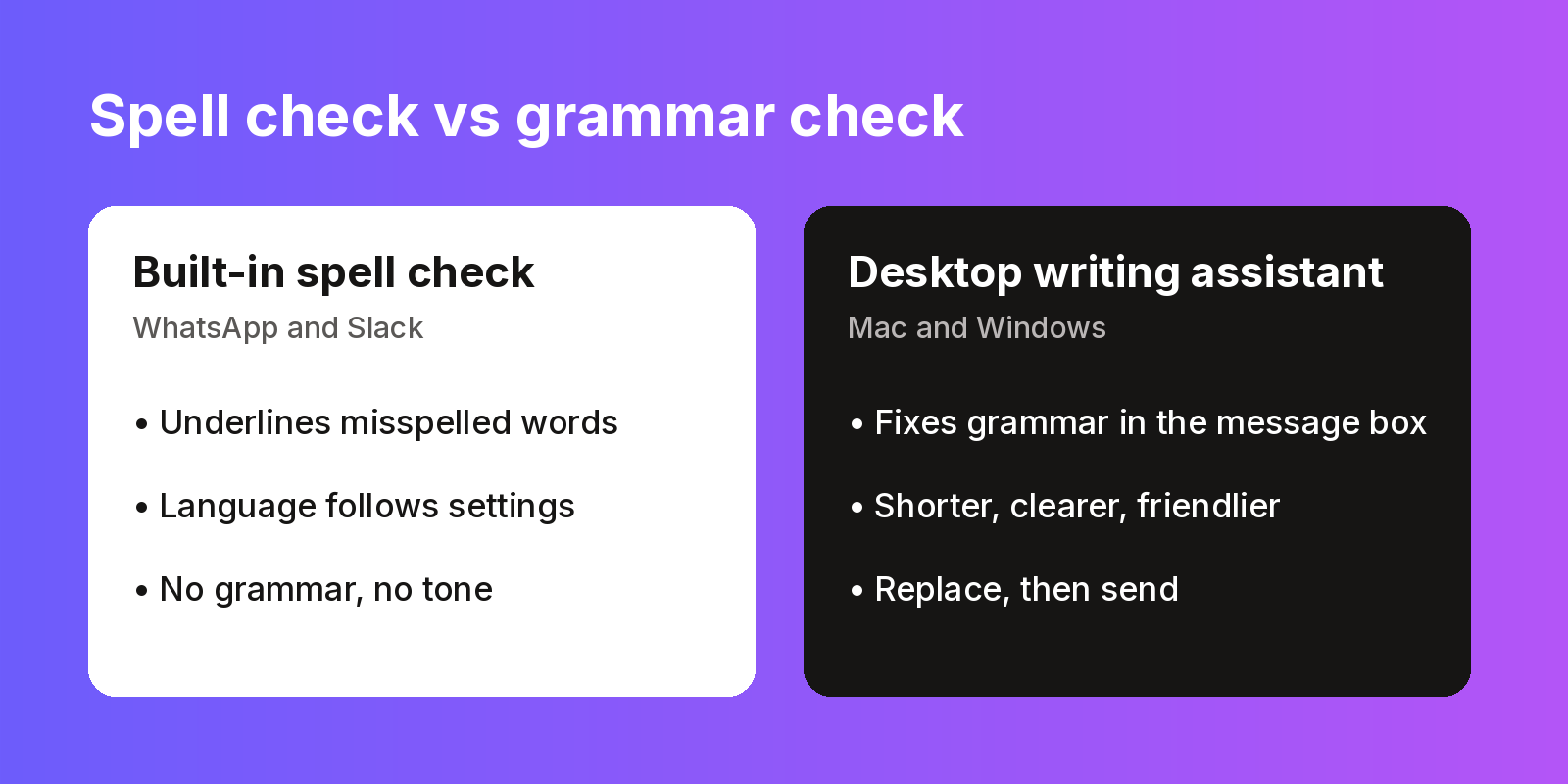
Even when spell check works, it only catches misspelled words. It won't catch "me and him was on the call", a message that's twice as long as it needs to be, or a reply that sounds sharper than you meant.
Rewritly works in the Slack message box on Mac and Windows:
- Type your message in Slack.
- Click the icon next to your cursor, or press the shortcut.
- Pick Fix grammar, Friendly, Formal or Shorter, or ask for something such as "make this sound less blunt".
- Press Replace, then send.
Here's an example, written for this guide, using Fix grammar:
- Before: "hey can u check the doc i send yesterday, i think their is a mistake in the numbers"
- After: "Hey, can you check the doc I sent yesterday? I think there's a mistake in the numbers."
Grammarly's desktop app is another option. See does Grammarly work in Slack and the Slack grammar checker page.
Fix grammar in Slack, not just spelling
The free plan gives you 10 rewrites a day, and no card is needed.
Free plan, no card needed · macOS 11+ · Windows 10/11 · On a phone? Email yourself the link
Source (checked 15 Nov 2026): Slack Help Center: Manage your language preferences
FAQ
Why is spell check not working in Slack?
Usually because Enable spellcheck on your messages is unticked, or Slack isn't set to check the language you type in. On a Mac, Slack 4.5.0 and later uses the macOS spellchecker, so check your Mac's spelling languages too.
How do I turn on spell check in Slack?
In the desktop app, click your profile picture, select Preferences, then Language & region, and tick Enable spellcheck on your messages. Slack says spell check is on by default.
Does Slack have autocorrect?
Slack's help center describes spell check, which underlines misspelled words in red, and doesn't describe an autocorrect setting for the desktop app. On a phone, autocorrect comes from your phone's keyboard, so turn it on in your keyboard settings.
Why does Slack underline words that are spelled right?
Slack only checks the languages you've set up. If you type in a language that isn't on the list, correct words can be flagged. On Windows, add the language below Spellcheck in Language & region. On a Mac, add it in your Mac's spelling settings.
How do I change the spell check language in Slack on a Mac?
Slack 4.5.0 and later uses the macOS spellchecker. By default, macOS checks spelling automatically by language. If you've picked specific languages in your Mac's keyboard settings, Slack only checks those.
Does Slack check grammar?
No. Slack checks spelling, not grammar or tone. For those, use a writing assistant that works in the Slack message box, such as Rewritly or Grammarly's desktop app.