Full disclosure: Rewritly is our product. Details about Grammarly and Slack come from their own pages, checked on October 30, 2026.
How to use Grammarly in Slack
- Download Grammarly for Mac or Grammarly for Windows.
- Install it, sign in and give it the permissions it asks for.
- Open Slack and start typing a message. Grammarly's suggestions should appear in the message box.
Grammarly's support page says to install the desktop app "to access Grammarly in most native apps". The browser extension only helps if you use Slack in your browser.
What you get for free
| Option | Free | Paid |
|---|---|---|
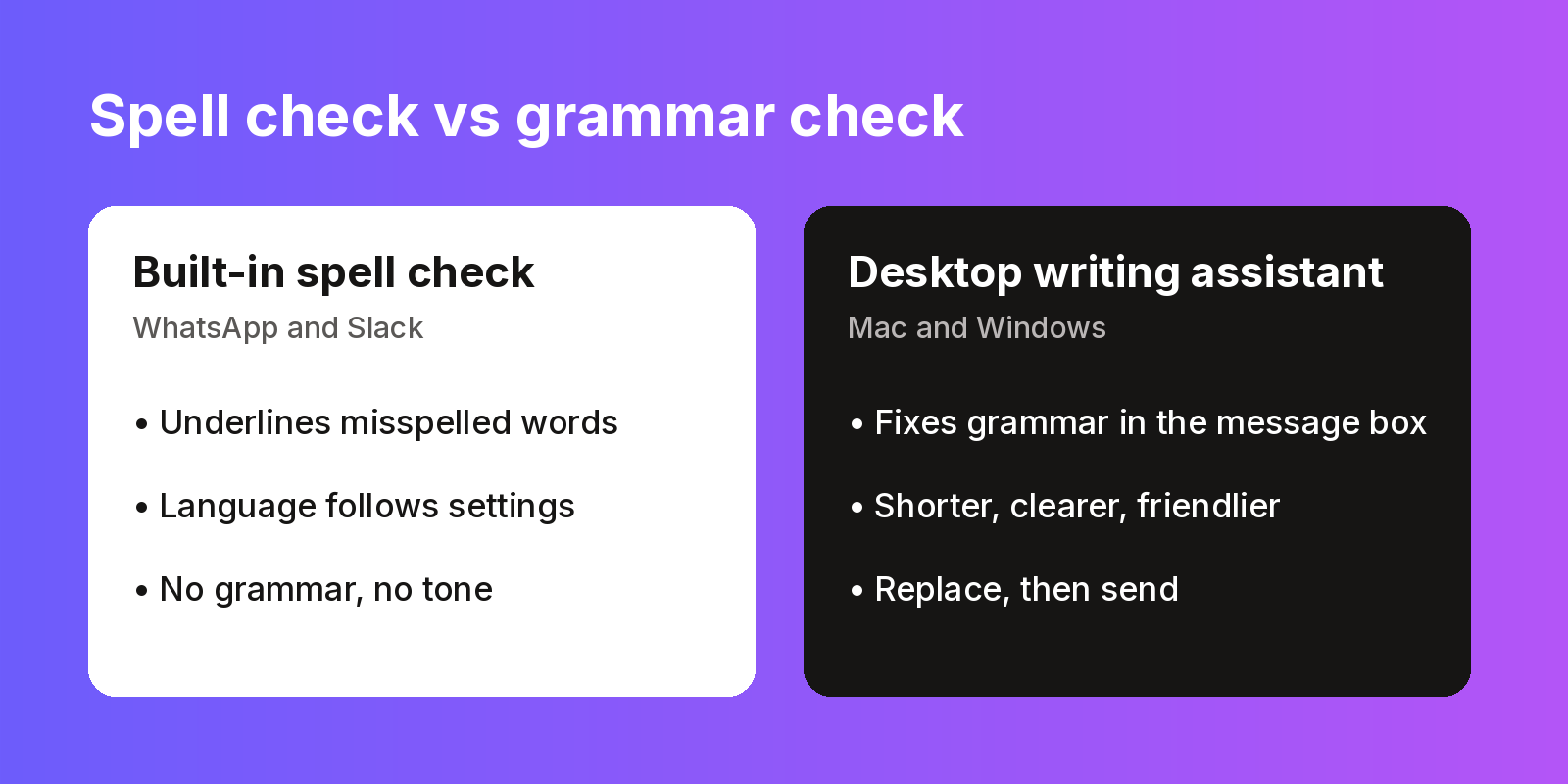
| Slack spell check | Spelling only | None |
| Grammarly | Spelling, grammar, tone detection, 100 AI prompts a month | Pro adds full-sentence rewrites and tone adjustment, from 12 a month in local currency |
| Rewritly | 10 rewrites a day, every feature, no card | Unlimited: $7 a month, $19 for 3 months or $59 a year |
Which one should you use in Slack?
Use Grammarly if you want mistakes underlined as you type. Use Rewritly if you'd rather write the message first, then fix or rewrite all of it in one step. There's a side-by-side in Rewritly vs Grammarly.
For example, with the instruction "make this shorter and clearer":
- Before: "Hey, so just wanted to let you know that the report which was supposed to go out today is probably going to be delayed a bit because we are still waiting on the final numbers from finance, sorry about that."
- After: "Heads-up: today's report will be a little late. We're still waiting on final numbers from finance."
This example was written for this guide. See the Slack grammar checker page for how Rewritly works in Slack.
Try Rewritly in Slack
The free plan gives you 10 rewrites a day, and no card is needed.
Free plan, no card needed · macOS 11+ · Windows 10/11 · On a phone? Email yourself the link
Sources (checked 30 Oct 2026): Grammarly support: other apps · Grammarly plans · Grammarly desktop · Slack language preferences
FAQ
Does Grammarly work in Slack?
Yes. Grammarly says it works in hundreds of native desktop apps, including Slack, once you install Grammarly for Mac or Grammarly for Windows.
Is there a Grammarly app in the Slack App Directory?
You don't need one to get writing suggestions. Grammarly's support page says to install its desktop app to use it in most native apps.
Is Grammarly free in Slack?
Grammarly Free gives you core spelling and grammar, tone detection and 100 AI prompts a month. Full-sentence rewrites and tone adjustment are listed under Pro.
Why isn't Grammarly showing up in Slack?
First check that you installed the desktop app rather than only the browser extension, and that it's running. If it still doesn't appear, see Grammarly's support pages or contact its support team.
Does Slack have its own grammar check?
No. Slack checks spelling only. It underlines misspelled words but doesn't fix grammar or tone.