Full disclosure: Rewritly is our product. Details about Grammarly and WhatsApp come from their own pages, checked on October 30, 2026.
What Grammarly confirms
| Where you use WhatsApp | What we found |
|---|---|
| WhatsApp Desktop on Windows | Not named as a supported app, but Grammarly's release notes list a fix for a WhatsApp text field (October 1, 2026) |
| WhatsApp Desktop on Mac | Not named. Grammarly says its desktop app works in most native apps |
| WhatsApp Web | Not named. Grammarly says it works across a wide array of websites |
| WhatsApp on a phone | Listed for Grammarly's mobile keyboard |
How to add Grammarly to WhatsApp on your phone
On a phone, Grammarly works through its keyboard, which you then use in WhatsApp like any other keyboard:
- Install the Grammarly keyboard from the App Store or Google Play and sign in.
- Turn it on. On iPhone, go to Settings, General, Keyboard, Keyboards, then Add New Keyboard and choose Grammarly. On Android, follow the app's setup steps to enable it and set it as your keyboard.
- Open a WhatsApp chat, switch to the Grammarly keyboard, and type. Suggestions appear above the keys.
How to use Grammarly in WhatsApp Desktop and WhatsApp Web
- Install Grammarly for Mac or Grammarly for Windows and sign in. For WhatsApp Web only, the browser extension may be enough.
- Open a chat in WhatsApp Desktop.
- Type a sentence with a clear mistake, such as "me and him was waiting".
- See whether a suggestion appears before you rely on it.
Grammarly Free includes spelling, grammar and tone detection. Full-sentence rewrites are listed under Pro.
Fixing WhatsApp messages with Rewritly
Rewritly works in the message box in WhatsApp Desktop and WhatsApp Web on Mac and Windows:
- Type your message.
- Click the Rewritly icon next to your cursor, or press the shortcut.
- Pick Fix grammar, Friendly, Formal or Shorter, or type a request such as "translate to Spanish".
- Press Replace, then send.
Here's an example, written for this guide, using Friendly:
- Before: "hey cant come tmrw sry something came up we do next week??"
- After: "Hey! I'm sorry, I can't make it tomorrow. Something came up. Can we do next week instead?"
Rewritly runs on Mac and Windows. On a phone, use a keyboard app such as Grammarly's. See the WhatsApp grammar checker page for more.
Try Rewritly in WhatsApp
The free plan gives you 10 rewrites a day, and no card is needed.
Free plan, no card needed · macOS 11+ · Windows 10/11 · On a phone? Email yourself the link
Sources (checked 30 Oct 2026): Grammarly support: other apps · Grammarly support search for WhatsApp, including release notes · Grammarly plans · Grammarly mobile keyboard · WhatsApp Help Center: autocorrect and spell check
FAQ
Does the Grammarly extension work in WhatsApp Desktop?
No. A browser extension only runs inside your browser, and WhatsApp Desktop is a separate app. You'd need Grammarly for Mac or Grammarly for Windows.
Does Grammarly work in WhatsApp Web?
WhatsApp Web runs in your browser, and Grammarly says its suggestions appear across a wide array of websites, but the page we checked doesn't name WhatsApp Web. Install it and try a message.
Does Grammarly work in WhatsApp on a phone?
Grammarly lists WhatsApp among the apps its mobile keyboard works in, on the App Store and Google Play.
Does WhatsApp have a grammar checker?
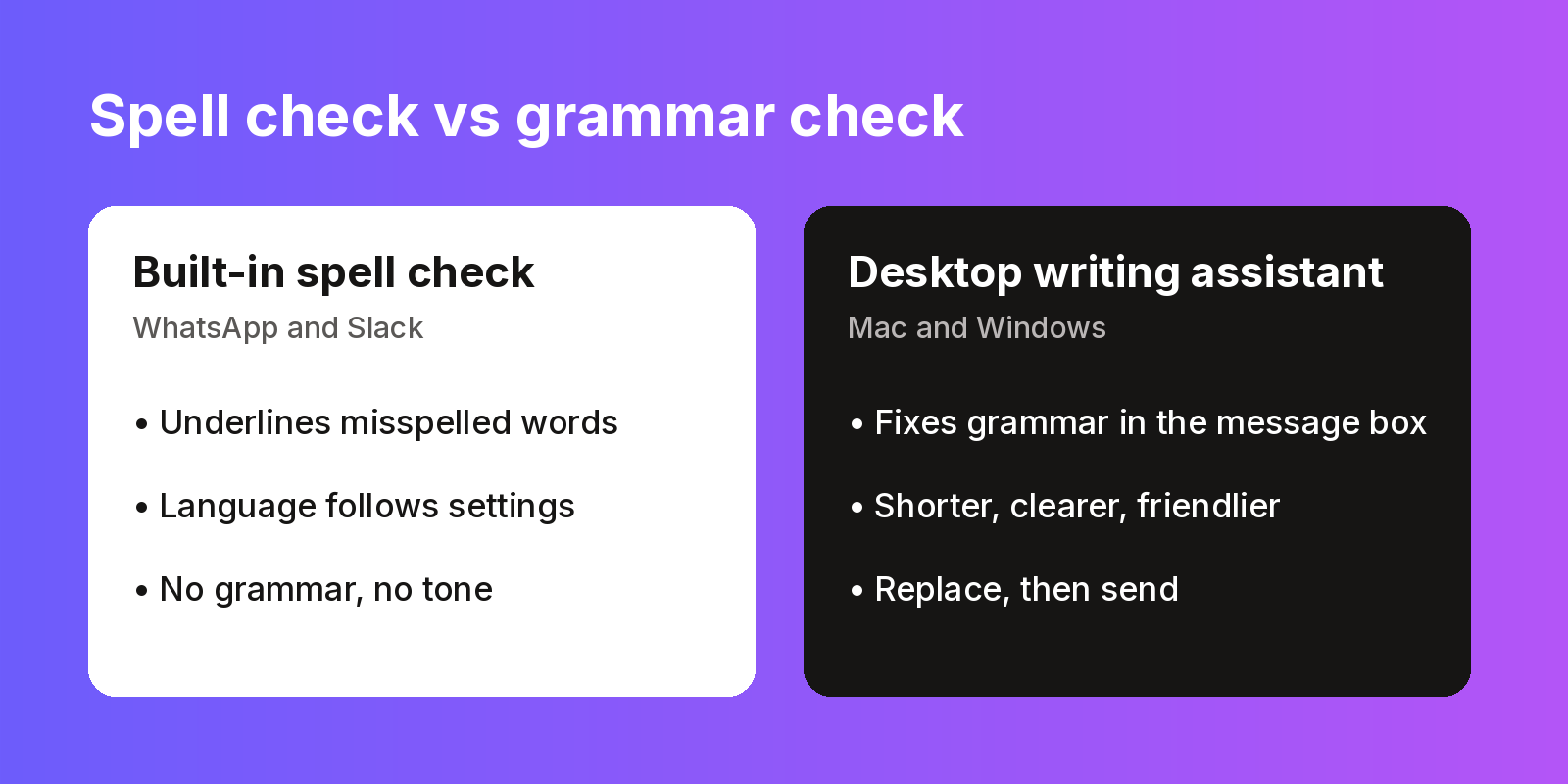
No. WhatsApp Web and Desktop have autocorrect and spell check, but they don't fix grammar or tone.
What can I use instead of Grammarly for WhatsApp Desktop?
Rewritly works in the WhatsApp message box on Mac and Windows. Click the icon or press the shortcut, pick a fix, and press Replace. The free plan gives you 10 rewrites a day.