Full disclosure: Rewritly is our product. Details about WhatsApp and Grammarly come from their own help pages, checked on October 26, 2026.
What WhatsApp checks on its own
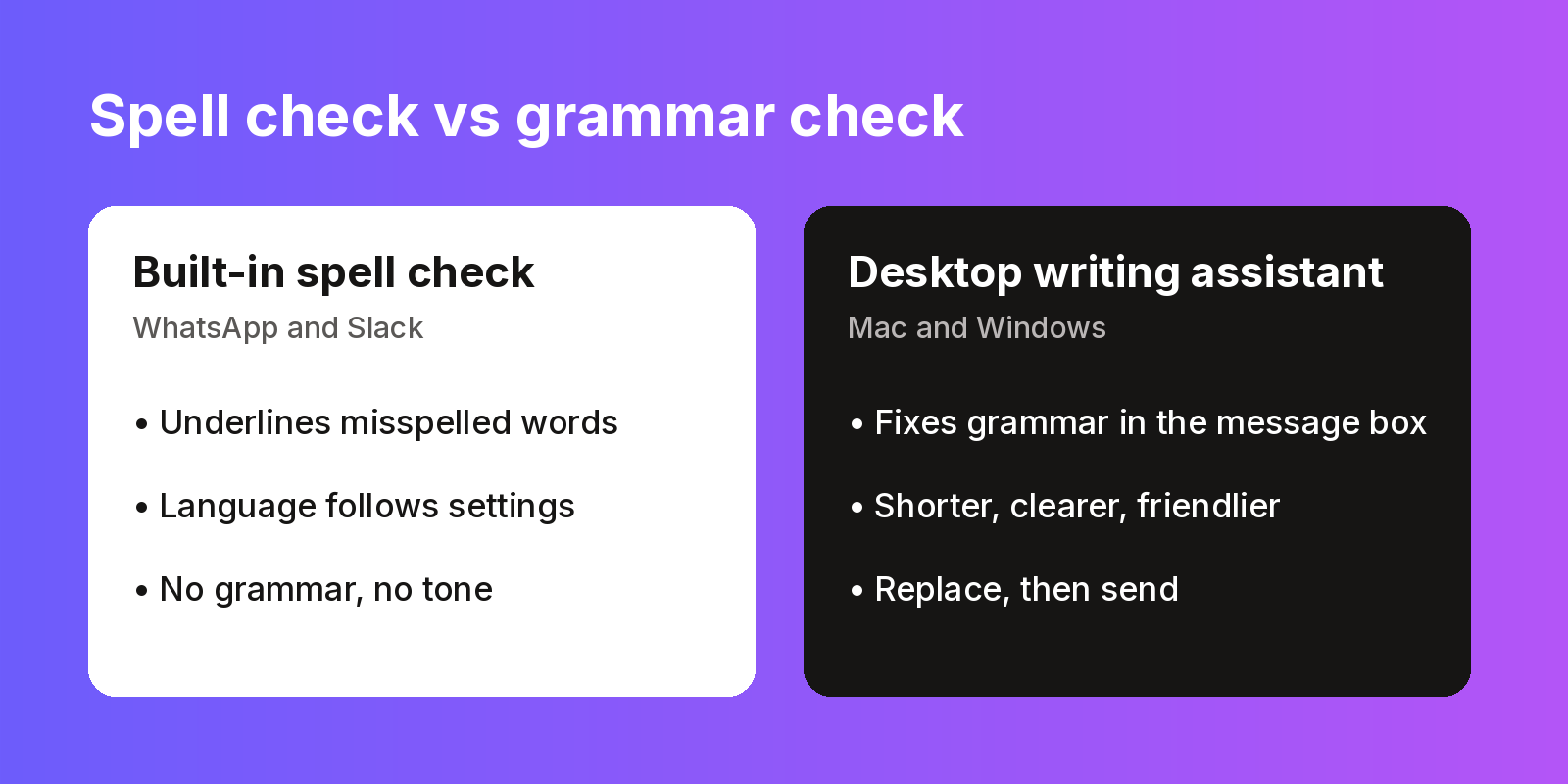
| App | What's built in | What it misses |
|---|---|---|
| WhatsApp Web and Desktop | Autocorrect and spell check. The language follows the language WhatsApp uses on your phone | Grammar, tone, clarity. Words in another language can be flagged as misspelled |
| WhatsApp on your phone | Whatever your phone keyboard offers | Depends on the keyboard |
Spell check catches "recieve". It won't catch "Me and him was waiting for your reply", a message that's twice as long as it needs to be, or a reply that sounds colder than you meant.
Why WhatsApp flags words that are spelled right
WhatsApp says the spell check language on WhatsApp Web and Desktop is based on the language WhatsApp uses on your phone, and that there's no way to change this. If your phone is set to English and you type in another language, correct words can still be underlined. WhatsApp's fix is to use the same language on your phone and your computer.
How to check grammar in WhatsApp on Mac or Windows
A desktop writing assistant works inside the message box itself, so you don't copy your message into another website and paste it back. With Rewritly:
- Type your message in WhatsApp Desktop or WhatsApp Web as usual.
- Press the Rewritly keyboard shortcut (Cmd + Shift + Space on Mac, Ctrl + Shift + Space on Windows). It works in every text field.
- Ask for what you need in Ask anything, for example "fix the grammar", "make this shorter" or "make this sound friendlier".
- Press Replace. The corrected text goes back into the same message box, and you send it as normal.
Rewritly works on Mac (universal .dmg, macOS 11 or later) and Windows 10/11 64-bit, in WhatsApp, Slack, Gmail, Notion, LinkedIn, Word, Outlook and websites in Chrome, Safari, Edge and Brave.
Grammarly's desktop app is another option. Grammarly says it works in "desktop applications, and web browsers" on Mac and Windows, and that its free version runs on both, but it doesn't name WhatsApp Desktop as a supported app, so test it first. See how to use Grammarly in WhatsApp.
How to check grammar in WhatsApp on your phone
Rewritly is a desktop app for Mac and Windows, so it doesn't run on phones today. On a phone, a keyboard app is the usual route. Grammarly lists WhatsApp among the apps its mobile keyboard works in, on the App Store and Google Play.
Example fixes
These are example messages, written for this guide.
WhatsApp, to a landlord (instruction: "fix the grammar and keep it polite")
- Before: "Hi sir, the kitchen tap is leaking since monday, plumber not came yet. Can you please check when he coming?"
- After: "Hi, the kitchen tap has been leaking since Monday and the plumber hasn't come yet. Could you let me know when he's coming? Thank you."
WhatsApp, to a work group (instruction: "make this shorter and clearer")
- Before: "Hey, so just wanted to let you know that the report which was supposed to go out today is probably going to be delayed a bit because we are still waiting on the final numbers from finance, sorry about that."
- After: "Heads-up: today's report will be a little late. We're still waiting on final numbers from finance."
Using Slack too? It also checks spelling only. See the Slack grammar checker guide and does Grammarly work in Slack.
Try it in your own chats
- Download Rewritly for Mac or Windows and sign in. The free plan gives you 10 rewrites a day, and no card is needed.
- Open WhatsApp, type a message, and press the Rewritly keyboard shortcut.
- Ask for a fix, press Replace, and send.
- If you need more than 10 a day, pick a plan in the pricing section: $7 a month, $19 per 3 months or $59 per year, in USD with local currency at checkout. Cancel anytime.
Free plan, no card needed · macOS 11+ · Windows 10/11 · On a phone? Email yourself the link
More guides: WhatsApp grammar checker · WhatsApp spell check not working · Grammar checker for Mac · Grammar checker for Windows
Sources (checked 26 Oct 2026): WhatsApp Help Center: About autocorrect and spell check · Grammarly desktop · Grammarly mobile keyboard
FAQ
Does WhatsApp have a grammar checker?
No. WhatsApp Web and Desktop have autocorrect and spell check, which follow the language WhatsApp uses on your phone. For grammar and tone, use a desktop writing assistant such as Rewritly on Mac and Windows, or a keyboard app with grammar suggestions on your phone.
Why does WhatsApp underline words that are spelled correctly?
WhatsApp Web and Desktop check spelling in the language WhatsApp uses on your phone. If you type in a different language, correct words can be flagged. WhatsApp suggests setting your phone and computer to the same language.
Can I fix grammar in WhatsApp without copying and pasting?
Yes, on a computer. A desktop app such as Rewritly works inside the WhatsApp message box: press the Rewritly keyboard shortcut, ask for a fix, and press Replace to put the corrected text back before you send.
Is Rewritly free?
Yes, up to 10 rewrites a day with every feature, and no card is needed. For unlimited rewrites, Pro is $7 a month, $19 per 3 months or $59 per year, and you can cancel anytime.